* About Me * Atari 2600 * BBC Micro
mode x - set the micro’s graphics mode pal a,b,c,d - set the micro’s colour palette colour x - set the active colour link pagename.bbc page description> - hyperlink linkbg x - link background colour img s/m/l/b filename- Display an image: small (33% of current mode width), medium (66%), large (100%) or banner (full width, 75 pixels high) file filename.ext file description - hyperlink to a file download script filename.py - runs a python script centre - centre text left - left justified right - right justified
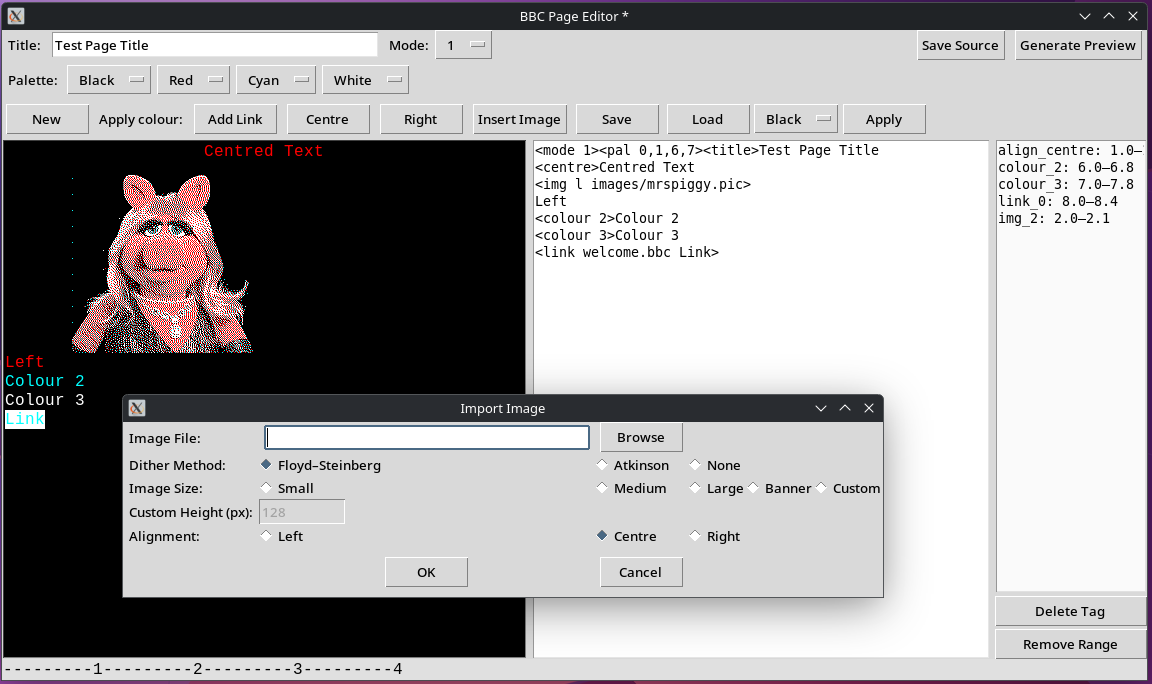
I’ve put together a very buggy page editor (BeebWeaver) which will do all the image encoding on the fly.
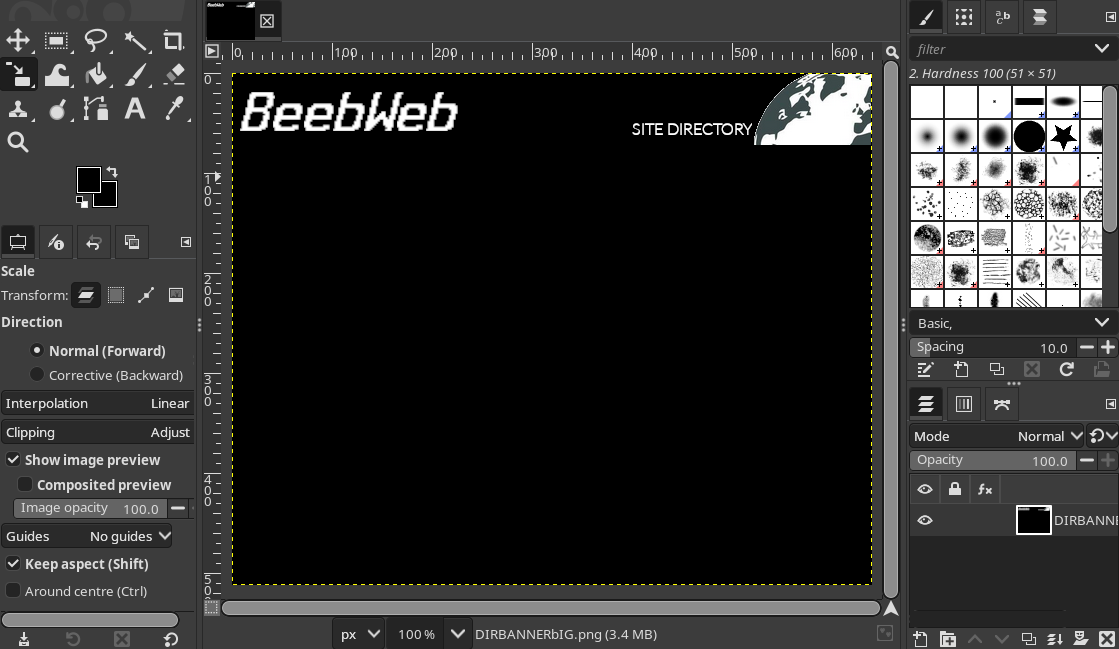
Or images can be encoded using the BBC Micro Image Converter (which gives much nicer bitmaps). The only drawback with this method is the images are full screen, so I create them first in gimp with black space where I want the image to stop (vertically), then run the image through a python script which will crop the blank space.
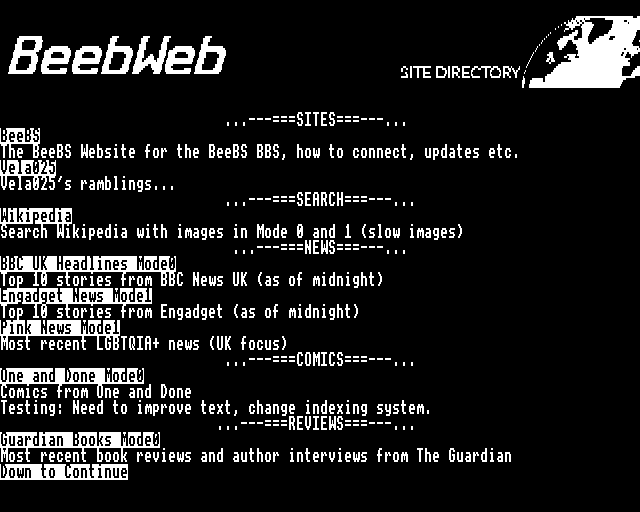
Using these methods BeebWeb pages cane be produced quickly with text, images, links, colour and file downloads.
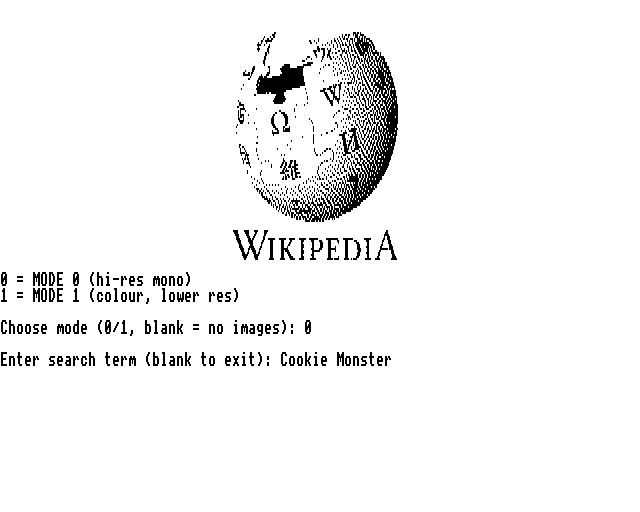
With the use of the script tag you can write your own scripts for anything you can think of, like a BBC Micro friendly wikipedia search engine, that parses articles to the Beebs display and encodes images on the fly.
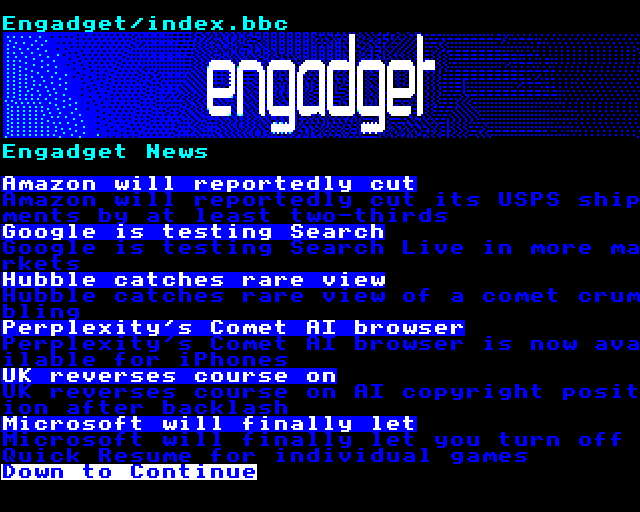
Or a news scraper.
On the Beeb side you’ll need the client software which is a work in progress, it won’t work under emulation, but works fine on a real BBC Micro/Master. You may need to change line 160 & 190 to match your serial baud rate and line 900 to however you tell your serial modem to connect (this is setup to use tcpser at 19200 baud).